
2D editor
Draw, edit nodes, combine shapes, import SVG, DXF and PDF, and export cut-ready files with kerf, tabs and cut order.
A complete toolkit for laser work: a 2D editor, a 3D box editor with finger joints, and Quba Laser Desk to run your jobs on the laser. On top of that, generators that turn a single photo into a finished project, which you won’t find in other laser software.
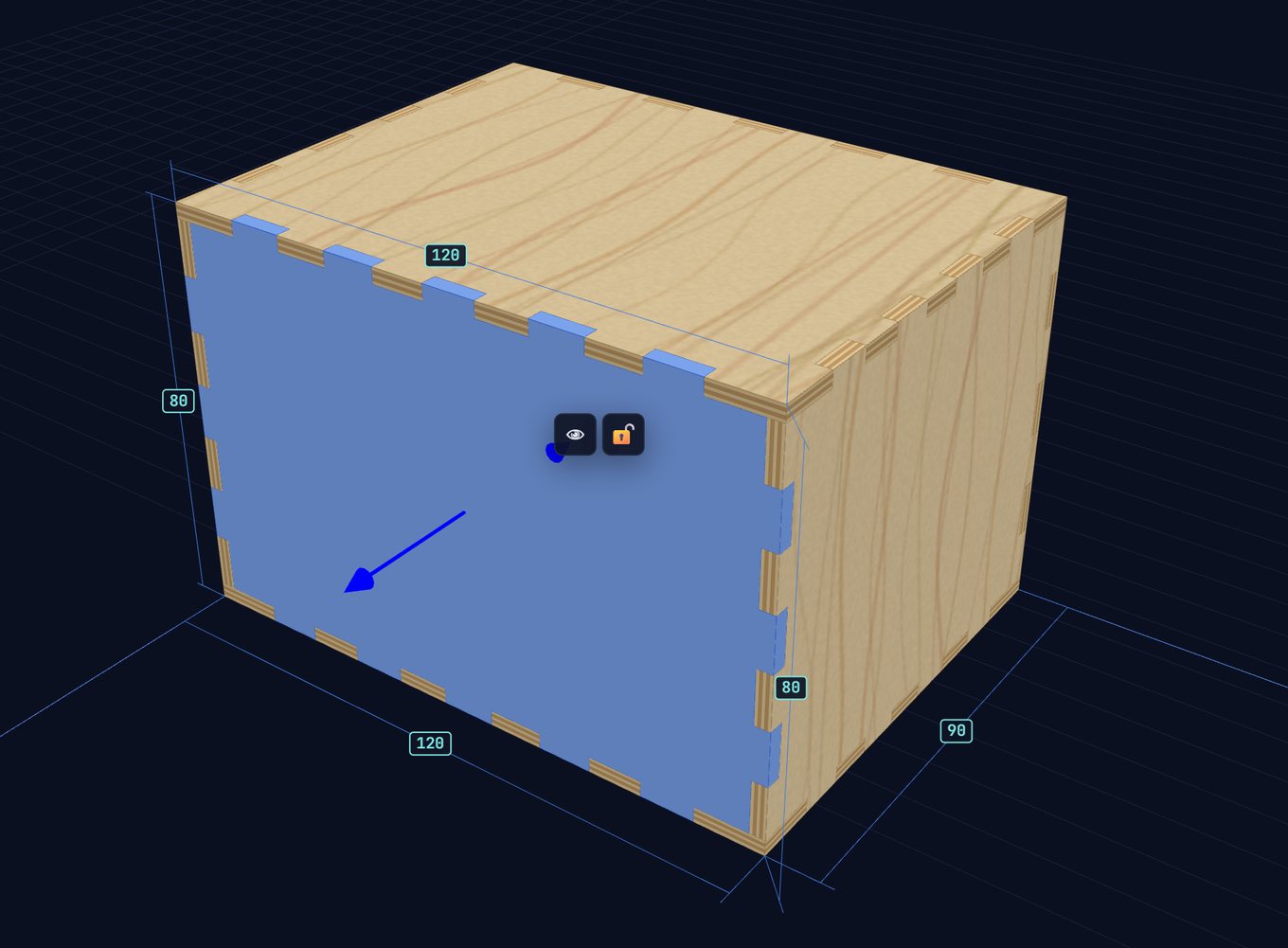
From sketch to cut. The editors run in your browser, with no cloud account.
Draw, edit nodes, combine shapes, import SVG, DXF and PDF, and export cut-ready files with kerf, tabs and cut order.
Push and pull walls like in SketchUp while joints and kerf are calculated for you. Sheet-ready files.
Send a project to the laser in one click. Layers, kerf and material settings carry over 1:1, with no re-entering.
Cut a test card, pick the best result, and the settings flow into your projects.
Turn one photo into a finished laser project. You won’t find these in other laser software.

A photo becomes a board with cut lines and numbers for your markers, plus a printable booklet.
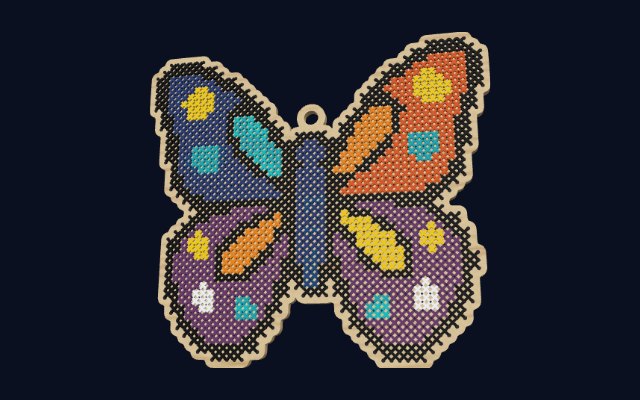
A photo becomes a grid of holes for thread stitching, with a list of the colors you need.
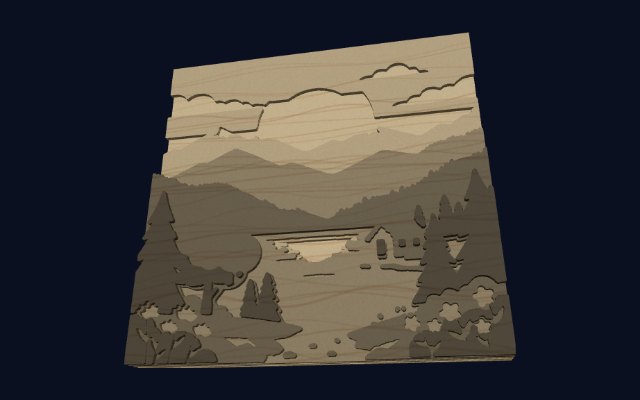
A photo as 2–6 plywood layers you glue into a relief picture.
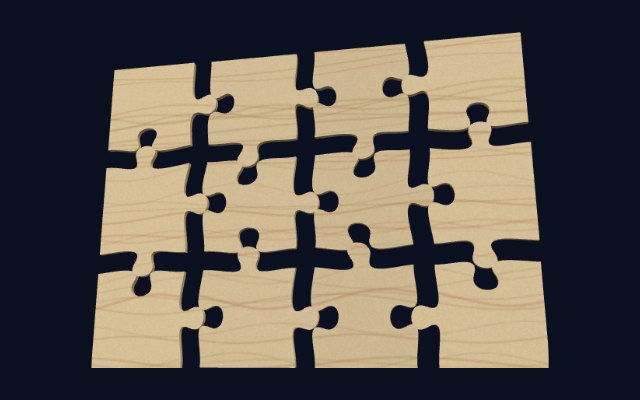
Classic puzzles with your own image, and name puzzles.
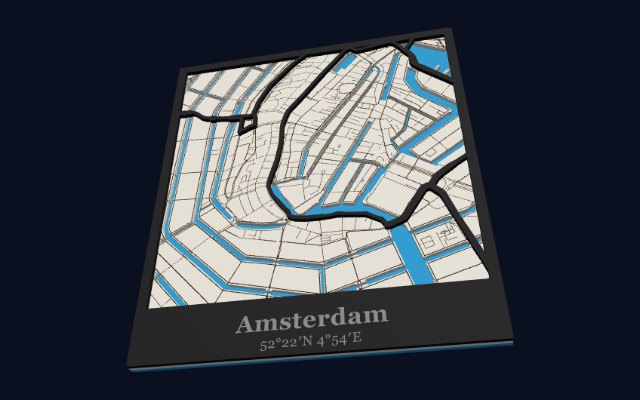
Engraved, or three layers with water. You pick the place, the shape and the caption.
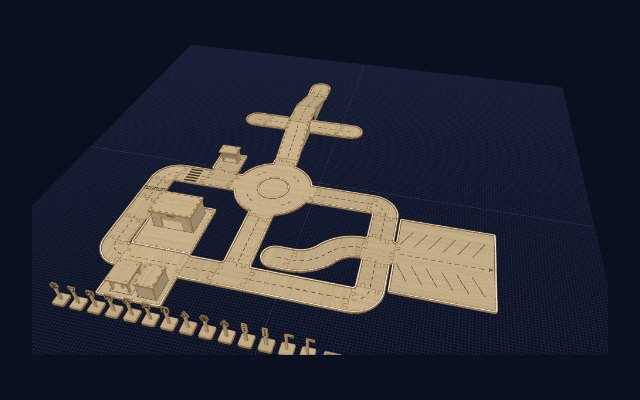
Road modules for toy cars: junctions, overpasses, signs and buildings.
Leave your e-mail. Order on the list matters: the first people get access earlier.
Selected people get the beta before launch and can shape the features.
We open to everyone. People on the list hear from us first.
Just an e-mail is enough. The rest helps us choose features.
We’ll get in touch when it’s time to start. Check your spam folder if you don’t see our message.
There will be a free plan and a paid subscription with extra features. We will share details before launch. Testers get the subscription for free.
On Windows: the editor runs in your browser, and Quba Laser Desk sends your projects to the laser. Your projects stay on your computer.
Any laser that accepts SVG files. You can send a project to Quba Laser Desk in one click, and the files also open in other laser software.
Access before launch, real influence on which features get built, and a year of the subscription for free for active testers.